

Oops! Something went wrong with the browser.
Please try again. If the issue persists, contact support@logicimtech.com and include error code .
How do I use a coupon?
How do I use a coupon?
- Click on the quote link sent to your email address.
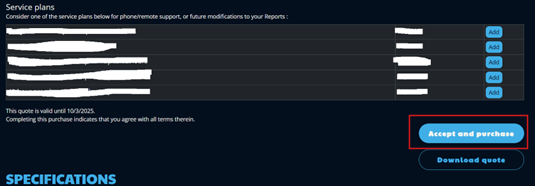
- Review the quote, scroll down, and click "Accept and Purchase".
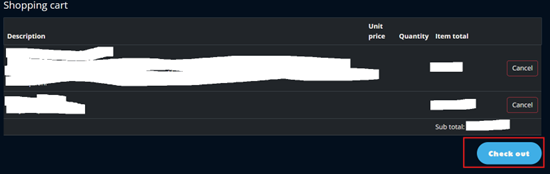
- Click "Check out".
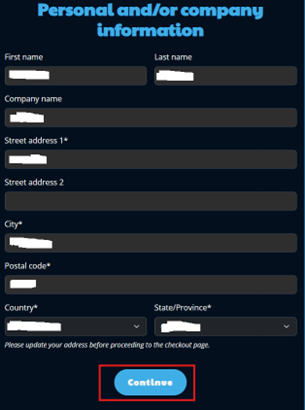
- Review your details and then click "Continue".
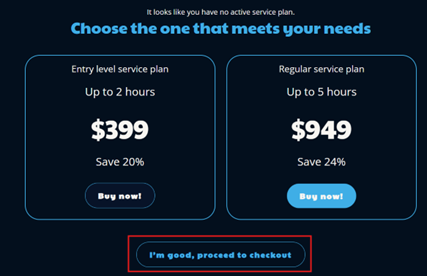
- If you have a need for a service plan (i.e. coaching), you can click "Buy now!". If you are okay with your purchase, click "I'm good, proceed to checkout".
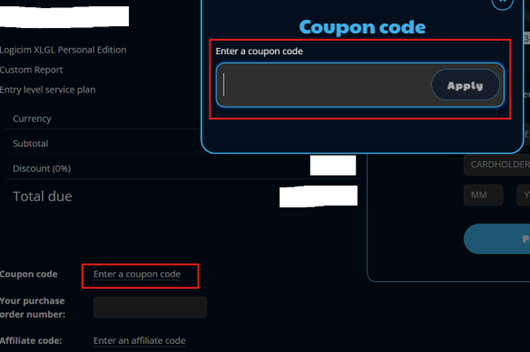
- Click "Enter a coupon code" and enter the coupon code on the box that appeared and then click "Apply".
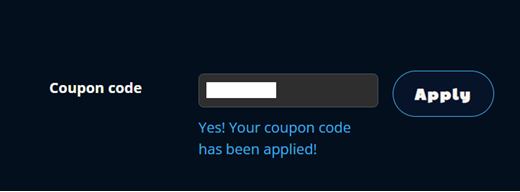
- This is how a successfully applied coupon code would look like:
Related articles
Edited: Monday, August 31, 2026
Was this article helpful?
Thank you! Your feedback matters.
We'd love to hear your thoughts! Please provide a comment before submitting.